Reference desk
Collect a physical action, isolate its beats, and name the turn that makes it specific.
Course bulletin / issue 01
A practical, information-first space for character animation and rigging study: how a pose carries weight, how a control supports intention, and how a shot earns its next pass.
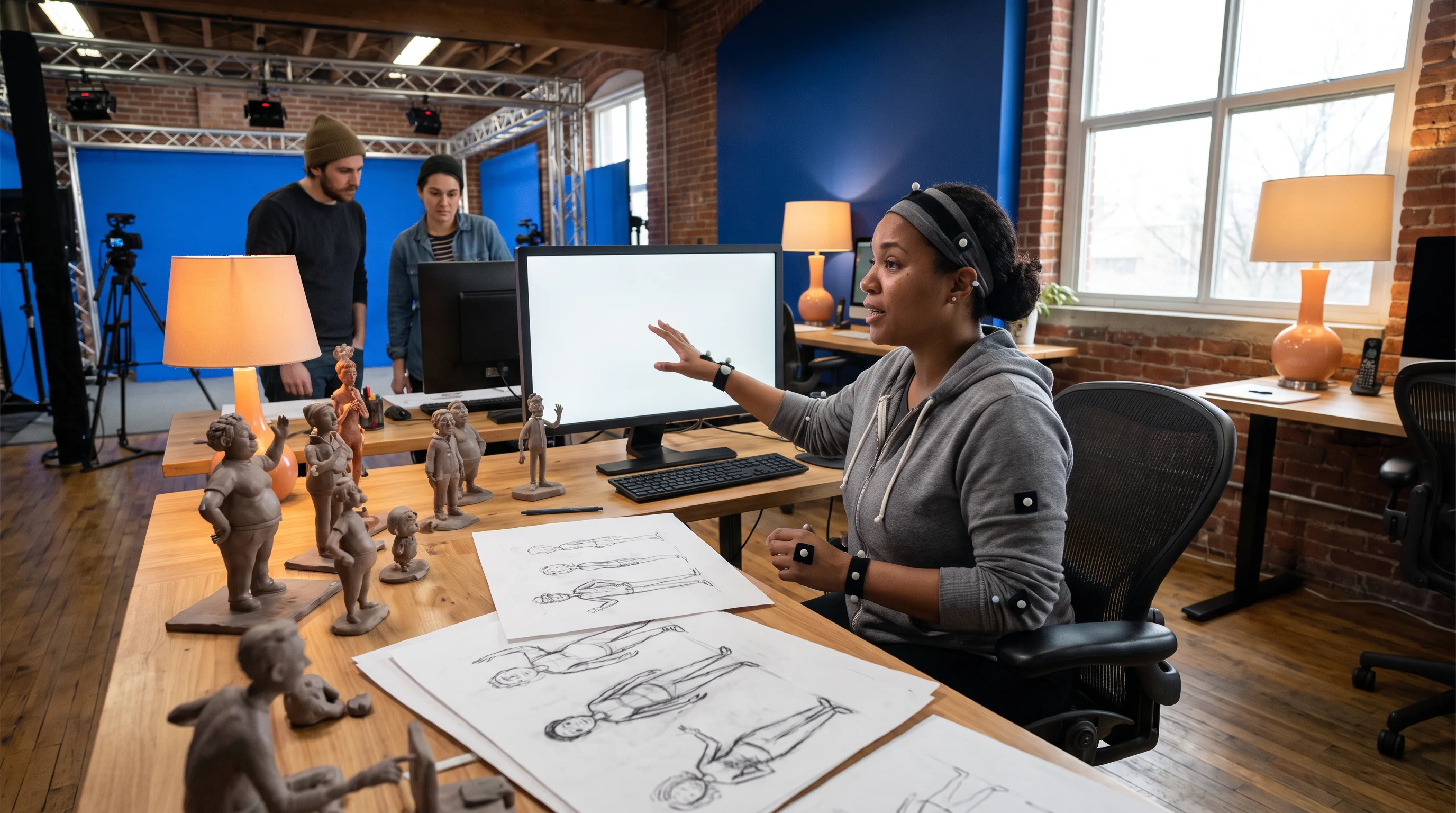
Department notice
Desk rule
Reference can be rough. Attention cannot.
Rig rule
Controls should describe a choice, not hide one.
Review rule
Ask what the audience reads first.
Animation department noticeboard
Character work becomes clearer when observation, construction, and review keep returning to one another. These are the department stations used throughout the bulletin.
Collect a physical action, isolate its beats, and name the turn that makes it specific.
Trace what a rig gives the performer: rotation, reach, contact, compression, and recovery.
Play the shot small, mute the explanation, and look for the decision that survives.
Movement lab selector
Switch the lab focus. Each prompt points at a different visible problem: where energy starts, where a body arrives, or where a choice lands.
Pose question / 01
Before polishing a silhouette, notice the supporting foot, the delay through the hip, and the route that the head refuses to take. A believable shift often starts with a simple imbalance.
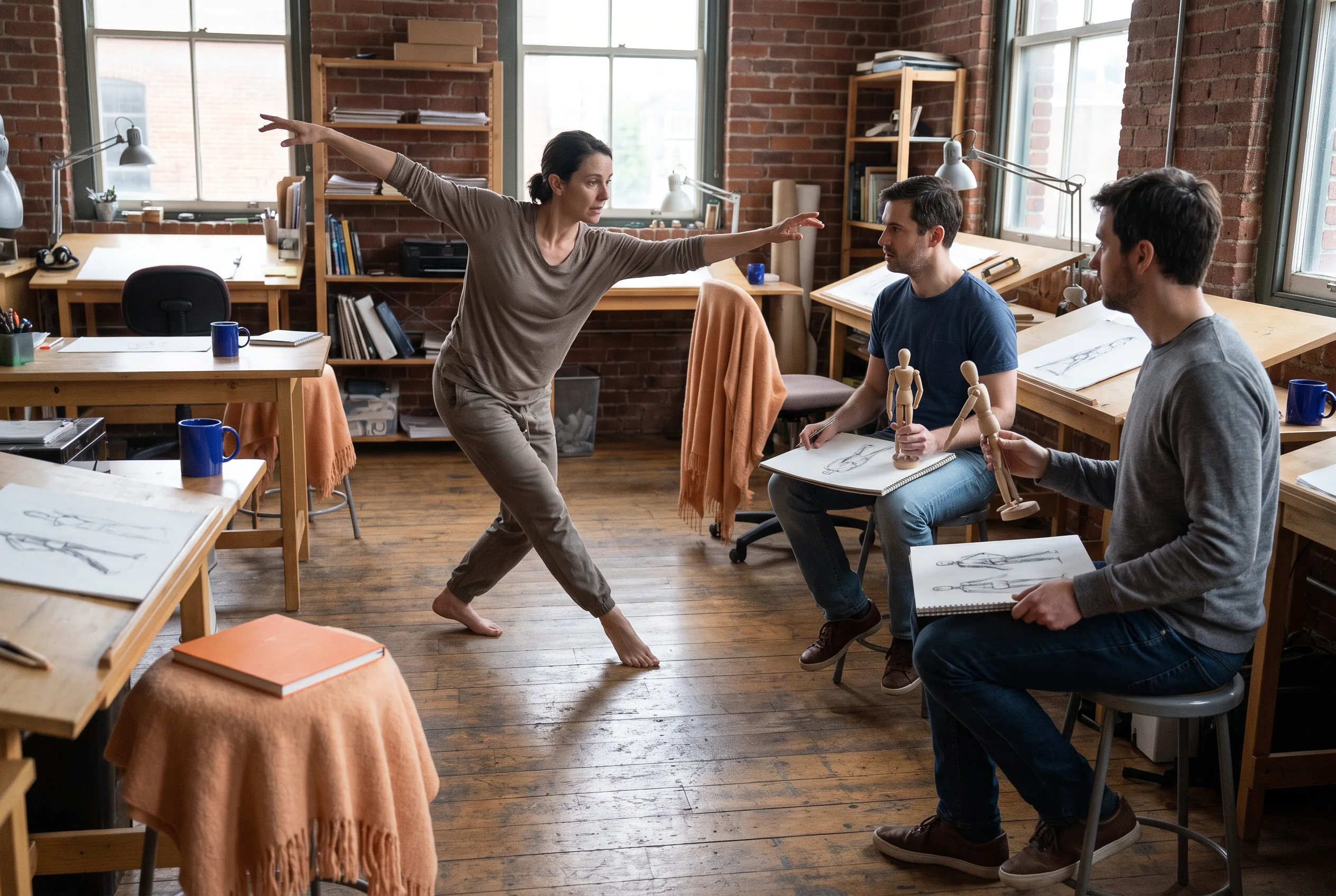
Rig controls reading room
The useful question is not whether a control exists; it is what performance choice it makes easier to stage. A clear rig lets an animator reach, brace, recoil, and settle with fewer hidden compromises.

Place the intent of a limb before refining its arc or its twist.
A planted hand or foot should show what is carrying the body.
After an action, leave room for mass, drag, and a new thought.
Curve editing field notes
A curve is a record of a choice over time. When an action feels noisy or inert, locate the change of direction and the rate of change before adding another drawing.
One pass / one intent
A held beat is active when the intention continues to be legible, not when nothing changes.
Every change in direction deserves a reason the audience can sense.
Ease is a performance decision, not a universal repair tool.
Review board
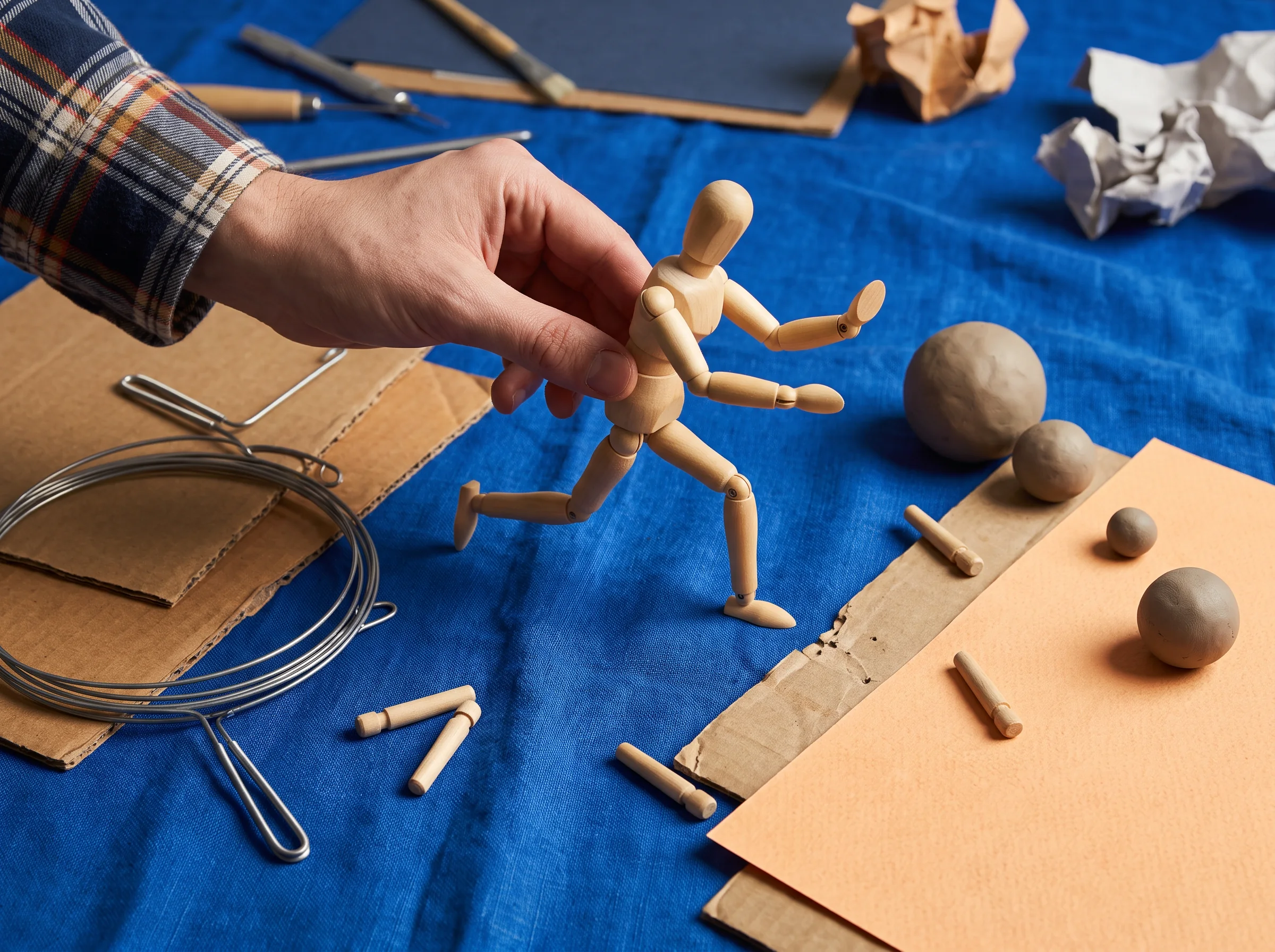
Turn the page small or step back. Does the action announce its direction before the viewer studies the parts?
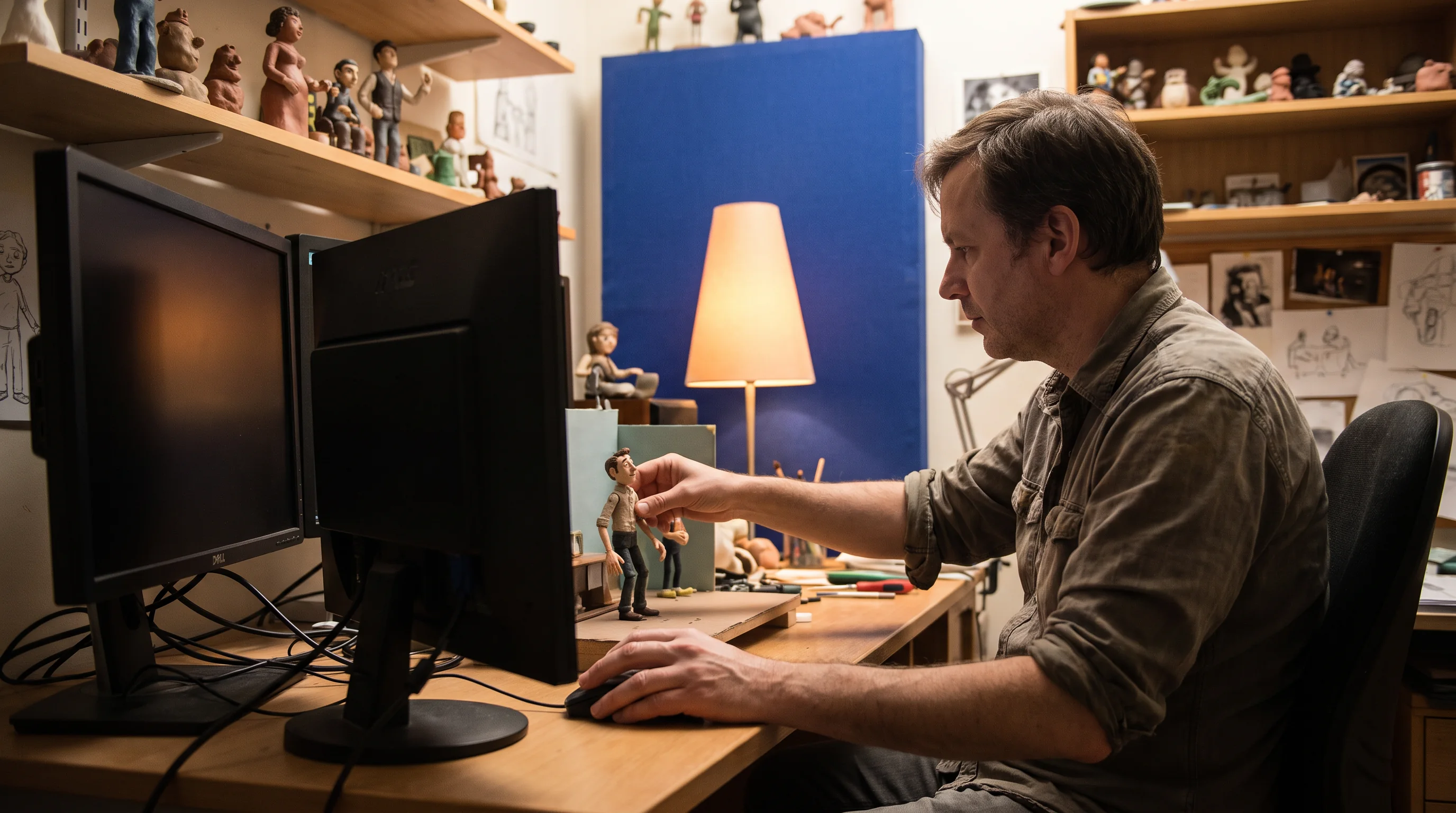
Track the body through contact. The strongest control work usually makes balance easier to see, not harder.
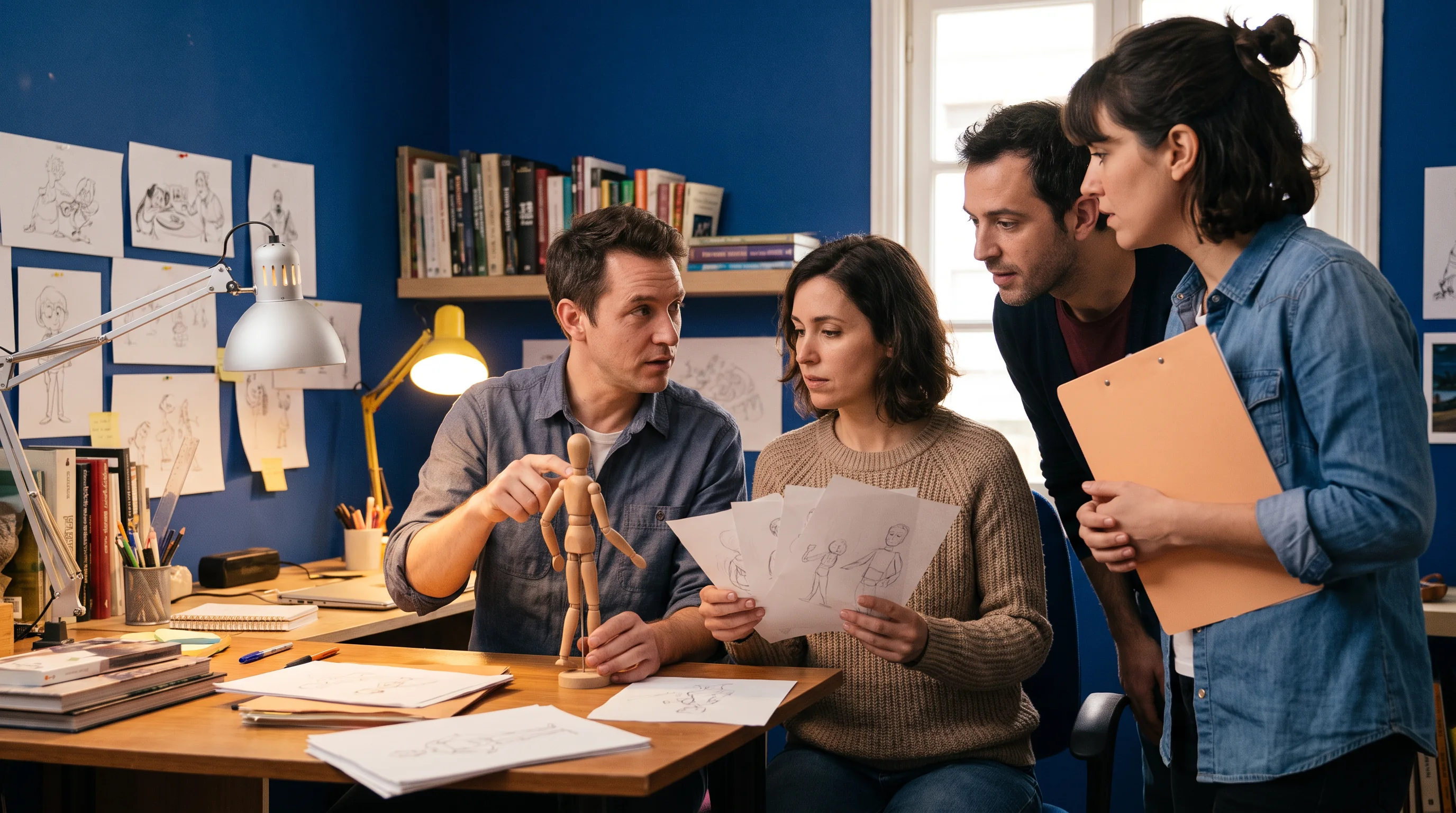
If the character changes its mind, the turn belongs in the timing, the posture, and the next action.
Scene handoff guide
A handoff is not just a file transfer. It is a short description of intent, known limits, and the one thing that must not disappear in the next pass.
Describe the change in the character’s decision in one ordinary sentence.
Mark the planted contact, the camera priority, or the pose that should survive revision.
Leave a precise review prompt, not a vague request for polish.

Practice checklist
Keep this list in the browser while you observe a reference clip, test a pose, or prepare a review. Your checkmarks are stored only on this device.
FAQ
These notes explain the scope of this informational course bulletin and how to use its prompts in a thoughtful practice session.
Contact desk
Use the contact draft to share a question about the bulletin or suggest a field note. The form prepares an email on your device; it does not send mail automatically.
Direct email: [email protected]